When you run imaging in a clinical trial, the moments that hurt most aren't usually the big architectural ones. They're the small, sharp ones: the manual segmentation a reader just spent forty minutes on, lost because the next step hiccupped on a retry. The large DICOM study that stalls on its way to the viewer. Login that hasn't kept pace with where modern apps and security standards are headed.
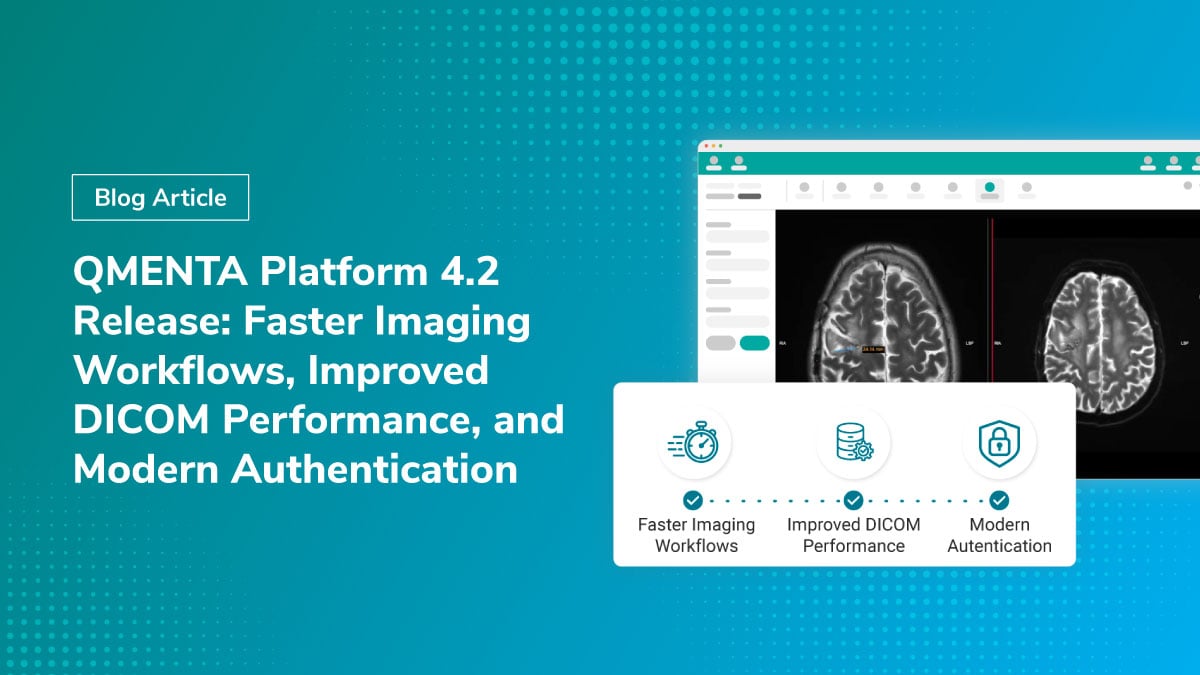
In our Platform 4.2 release, we went after those moments. It rolls together changes across the application, clinical viewer, and sign-in experience, and while there's a lot under the hood, these shifts stand out for anyone who runs clinical imaging trials.
What's New in QMENTA Platform 4.2
- Manual workflow outputs are preserved during retries
- Improved performance for large DICOM studies
- Modern authentication and multi-factor security
- Enhanced audit logging for regulated environments
- Software Bill of Materials (SBOM) included with releases
How Platform 4.2 Preserves Manual Review Work During Retries
QMENTA's manual tools have always combined a person's input with the automated processing that follows. A reader opens a viewer — segments, classifies, or QCs something — and submits. Then an automated step picks up that input, processes the user input, and finalises the analysis. Until now, the manual step and the automated step that followed it ran as a single unit, so re-running one meant re-running the other.
Platform 4.2 introduces a new generation of manual tools that changes this at the workflow level. The output of the manual step is now preserved separately from the automated post-processing. When post-processing restarts, the platform recognises that the manual work is already done and jumps straight to the automatic part — no second pass through the viewer, no redrawing, no re-clicking, nothing lost.
We've also extended audit logging to cover the manual submission itself: who submitted what, and when. For teams operating under GCP, ICH E6(R3), or 21 CFR Part 11, that's not a "nice to have" — it's how you sleep at night.
Improved DICOM Performance for Large Imaging Studies
DICOM studies keep getting larger. Long-axis CT, advanced MR protocols, total-body PET, multi-parametric oncology imaging — what used to be an unusually large dataset is now an ordinary one, and the path images take from the analysis side of the platform into the embedded clinical viewer needs to scale with that reality.
In 4.2, that path has been substantially reworked to use memory more efficiently for large files. We've also upgraded the underlying viewer infrastructure and broadened the range of DICOM data types the platform handles end-to-end. The practical effect: large studies move through the platform more cleanly, and you spend less time guessing whether a stalled progress bar means "wait" or "start over."
This is one of those changes that's invisible when it works — which, of course, is the entire point.
Modern Authentication and Multi-Factor Security
Over the last major releases, we've been rebuilding QMENTA's identity layer so it fits cleanly into the way modern organisations manage users.
The old login, registration, and "My Profile" pages have been retired. Everything now flows through the new sign-in experience, and the platform is built to integrate with the identity provider your organisation already uses. Trial users can sign in with the same credentials they rely on for the rest of their work, without a separate password to manage. We've also moved off SMS codes as a second factor in favour of a modern multi-factor authentication flow — a change in line with current NIST guidance and enterprise security best practice. Password policies, multi-factor enrolment, and account lifecycle are now managed in one place and stay consistent with the rest of your stack.
For administrators, it means fewer places to manage users. For end users, it means one cleaner login.
Additional Quality-of-Life Improvements
A few changes that are smaller in scope but you'll notice almost immediately — and probably appreciate just as much.
The credits indicator in the top-right corner has been reworked: project credits and personal credits are now shown clearly, with colour states and a warning when you're getting close to your limit. When a project has its own credit pool, that's what gets consumed — no surprise fallback to personal credits when a project runs out. If you administer trials at scale, the upgrade gives you a much sharper view of where consumption is actually going.
All platform notification emails have been rebuilt from new design templates. They look modern, render cleanly across mail clients, and finally speak the same visual language as the rest of the product. And the list of people who receive "your analysis failed" emails has been tightened, so the right person hears about it and admin inboxes stop filling up.
Infrastructure, Security, and SBOM Enhancements
Platform 4.2 also modernises the foundations the application runs on — a refreshed runtime, an upgraded set of dependencies, and tightened input handling across the platform. Every release now ships with a Software Bill of Materials (SBOM): the standard-format inventory of components that more and more security and procurement teams — and increasingly, regulators — are asking for as a condition of doing business with software vendors. If your team has been asking for one, it's now part of the standard package for every version we ship.
Why These Changes Matter for Clinical Imaging Trials
Most of what's in 4.2 isn't glamorous. It's the kind of work an in-house team would put on a "we'll get to it" list for two years: separating manual and automatic workflow phases without breaking existing trials, modernising the image pipeline against moving viewer dependencies, retiring an authentication system while keeping every existing customer logged in, regenerating an entire email design system without losing a single notification. Each of these would be a quarter of work on its own. Together, they're the difference between a platform that ages and one that compounds.
The reason customers run their trials on QMENTA rather than wiring something together themselves is that this is the work we do continuously, in the background, so your team can stay focused on the science and the patients.
Already Live Across Customer Environments
Platform 4.2 has been running across all customer environments for the past couple of weeks. No action is needed from existing customers — you're already on it.
Frequently Asked Questions
What is new in QMENTA Platform 4.2?
QMENTA Platform 4.2 introduces preserved manual workflow outputs, improved handling of large DICOM studies, a modern authentication experience, enhanced audit logging, and Software Bill of Materials (SBOM) support.
How does Platform 4.2 improve imaging workflows?
Platform 4.2 separates manual review steps from automated post-processing, allowing workflows to restart without requiring users to repeat completed work.
Why is audit logging important in clinical trials?
Audit logging provides traceability of user actions and supports compliance with regulations and standards such as GCP, ICH E6(R3), and 21 CFR Part 11.
What is a Software Bill of Materials (SBOM)?
A Software Bill of Materials is a standardised inventory of software components used within an application, helping organisations meet security, procurement, and regulatory requirements.
How does QMENTA handle large DICOM studies?
Platform 4.2 introduces memory optimisations and viewer infrastructure upgrades that improve the transfer and display of large imaging datasets.
About the Author
Tim Peeters is Director of Engineering at QMENTA, where he leads the development of the company's cloud-native medical imaging platform.